



visx is a collection of reusable low-level visualization components. visx combines the power of d3 to generate your visualization with the benefits of react for updating the DOM.
Important
visx v4 is the current stable release and requires React 18 or 19.
npm install @visx/shapeUpgrading from v3? See the visx 4 migration guide.
Docs • Gallery • Changelog • Migration
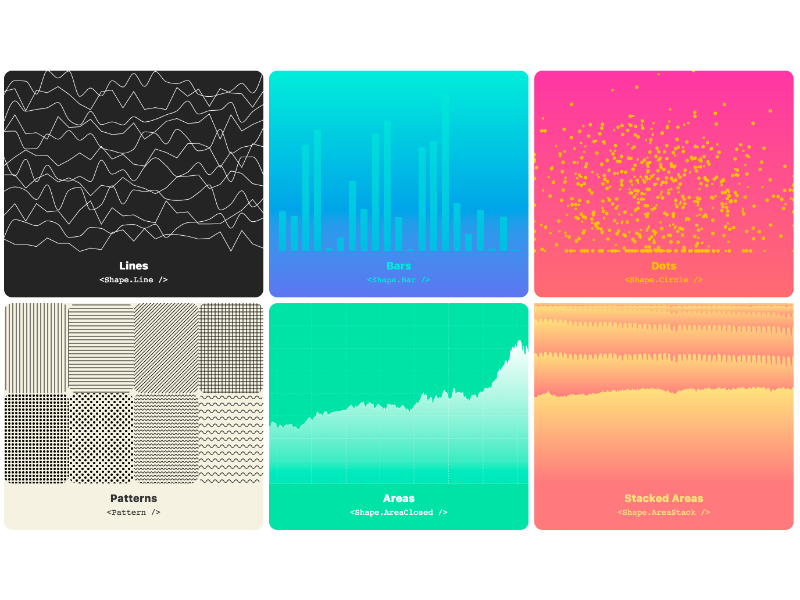
Let's make a simple bar graph.
First we'll install the relevant packages:
npm install --save @visx/mock-data @visx/group @visx/shape @visx/scale
import React from 'react';
import { letterFrequency } from '@visx/mock-data';
import { Group } from '@visx/group';
import { Bar } from '@visx/shape';
import { scaleLinear, scaleBand } from '@visx/scale';

// We'll use some mock data from `@visx/mock-data` for this.
const data = letterFrequency;

// Define the graph dimensions and margins
const width = 500;
const height = 500;
const margin = { top: 20, bottom: 20, left: 20, right: 20 };

// Then we'll create some bounds
const xMax = width - margin.left - margin.right;
const yMax = height - margin.top - margin.bottom;

// Accessors
const getLetter = (d) => d.letter;
const getFrequency = (d) => d.frequency * 100;

// And then scale the graph by our data
const xScale = scaleBand({
  range: [0, xMax],
  round: true,
  domain: data.map(getLetter),
  padding: 0.4,
});
const yScale = scaleLinear({
  range: [yMax, 0],
  round: true,
  domain: [0, Math.max(...data.map(getFrequency))],
});

// Finally we'll embed it all in an SVG
function BarGraph() {
  return (
    <svg width={width} height={height}>
      {data.map((d) => {
        const letter = getLetter(d);
        const barHeight = yMax - (yScale(getFrequency(d)) ?? 0);
        return (
          <Group key={`bar-${letter}`}>
            <Bar
              x={xScale(letter)}
              y={yMax - barHeight}
              height={barHeight}
              width={xScale.bandwidth()}
              fill="#fc2e1c"
            />
          </Group>
        );
      })}
    </svg>
  );
}
For more examples using visx, check out the gallery.
Goal
The goal is to create a library of components you can use to make both your own reusable chart library or your slick custom one-off chart. visx is largely unopinionated and is meant to be built upon. Keep your bundle sizes down and use only the packages you need.
How?
Under the hood, visx is using d3 for the calculations and math. If you're creating your own awesome chart library on top of visx, it's easy to create a component api that hides d3 entirely. Meaning your team could create charts as easily as using reusable react components.
But why?
Mixing two mental models for updating the DOM is never a good time. Copy and pasting d3 code into
useEffect() is just that. This collection of components lets you easily build your own reusable
visualization charts or library without having to learn d3. No more selections or
enter()/exit()/update().
-
What does
visxstand for?visx stands for visualization components.
-
Do you plan on supporting animation/transitions?
A common criticism of visx is it doesn't have animation baked in, but this was a conscious choice. It's a powerful feature to not bake it in.
Imagine your app already bundles
react-motion, adding a hypothetical@visx/animationis bloat. Since visx is react, it already supports all react animation libs.Charting libraries are like style guides. Each org or app will eventually want full control over their own implementation.
visx makes this easier for everyone. No need to reinvent the wheel each time.
more info: #6
-
Do I have to use every package to make a chart?
nope! pick and choose the packages you need.
-
Can I use this to create my own library of charts for my team?
Please do.
-
Does visx work with preact?
yup! alias
react+react-domtopreact/compat. For visx v4, configure your package manager to satisfy the React 18/19 peer dependency range. -
I like using d3.
Me too.
Thanks to Happo for providing the visual regression testing platform that helps us review UI changes and catch unintended visual regressions.

Please see CONTRIBUTING.md
✌️