
OpenAI MCP Extensions adds ChatGPT-specific capabilities to MCP so developers can build plugins that feel like native, first-class features.
-
Install Bits & Bolts Remote.
-
Select the Bits & Bolts icon in the sidebar to open the Parts Library.
-
Open Extensions walkthrough to explore a demo of each major extension.
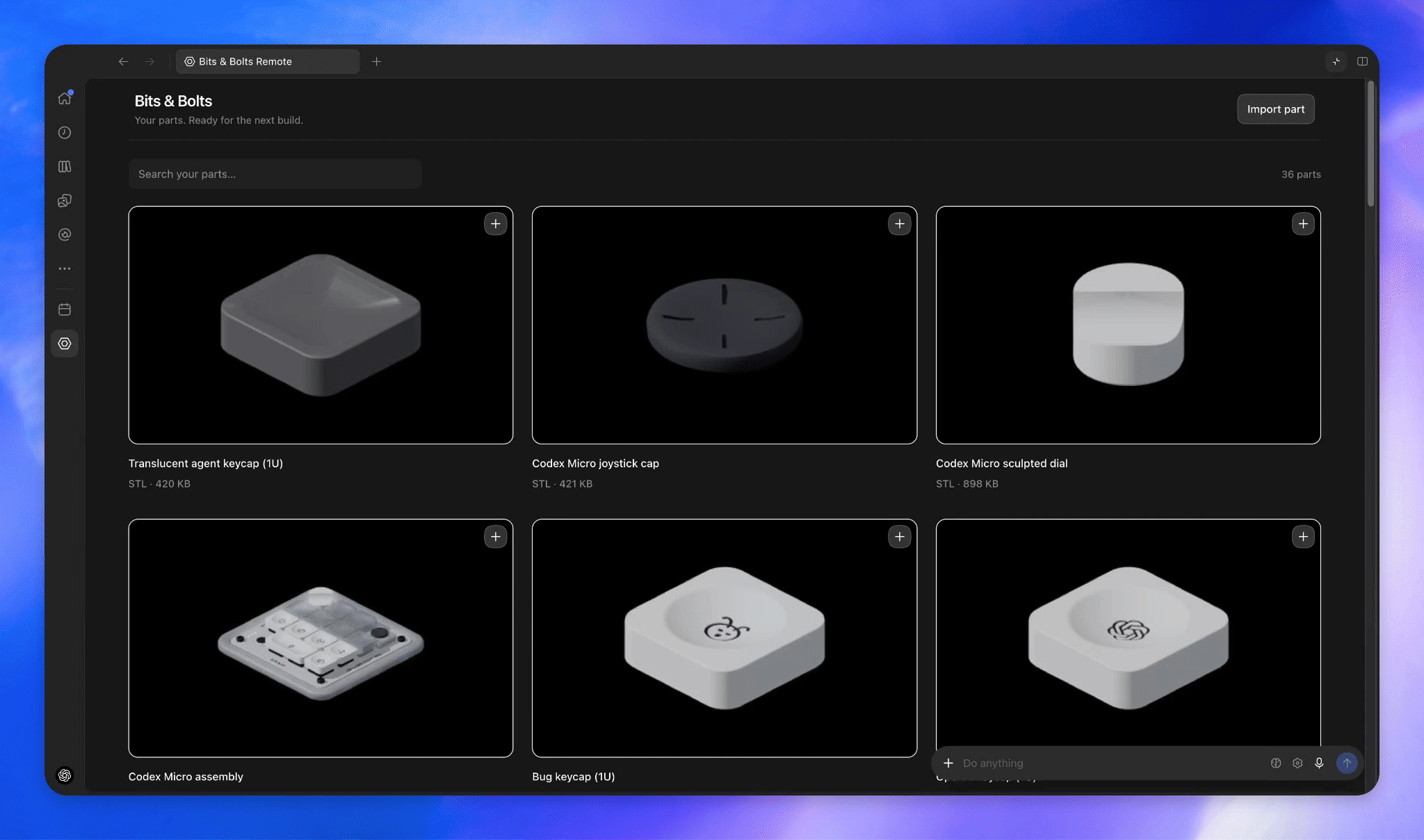

Allow users to access your app from the sidebar.

Render custom file viewers when users open a supported file type.

Let users search your plugin’s resources from the composer and add references to a message.

Let users select a CAD part using thumbnail choices.

Ask @Plugin Creator in Codex to build a new plugin or improve an existing one for you.
- TypeScript:
@openai/mcp-extensionsfor MCP servers and Apps. - Python:
openai-mcp-extensionsfor MCP servers.
- docs/spec.md lists all supported extensions.
- docs/patterns.md covers best practices.
- CHANGELOG.md lists API changes.
- Bits & Bolts source shows how to integrate extensions in practice.
Notice any gaps in extensions for your plugin? Submit feedback here.
This project is licensed under the Apache License 2.0.