

Cutter is a free and open-source reverse engineering platform powered by rizin. It aims at being an advanced and customizable reverse engineering platform while keeping the user experience in mind. Cutter is created by reverse engineers for reverse engineers.

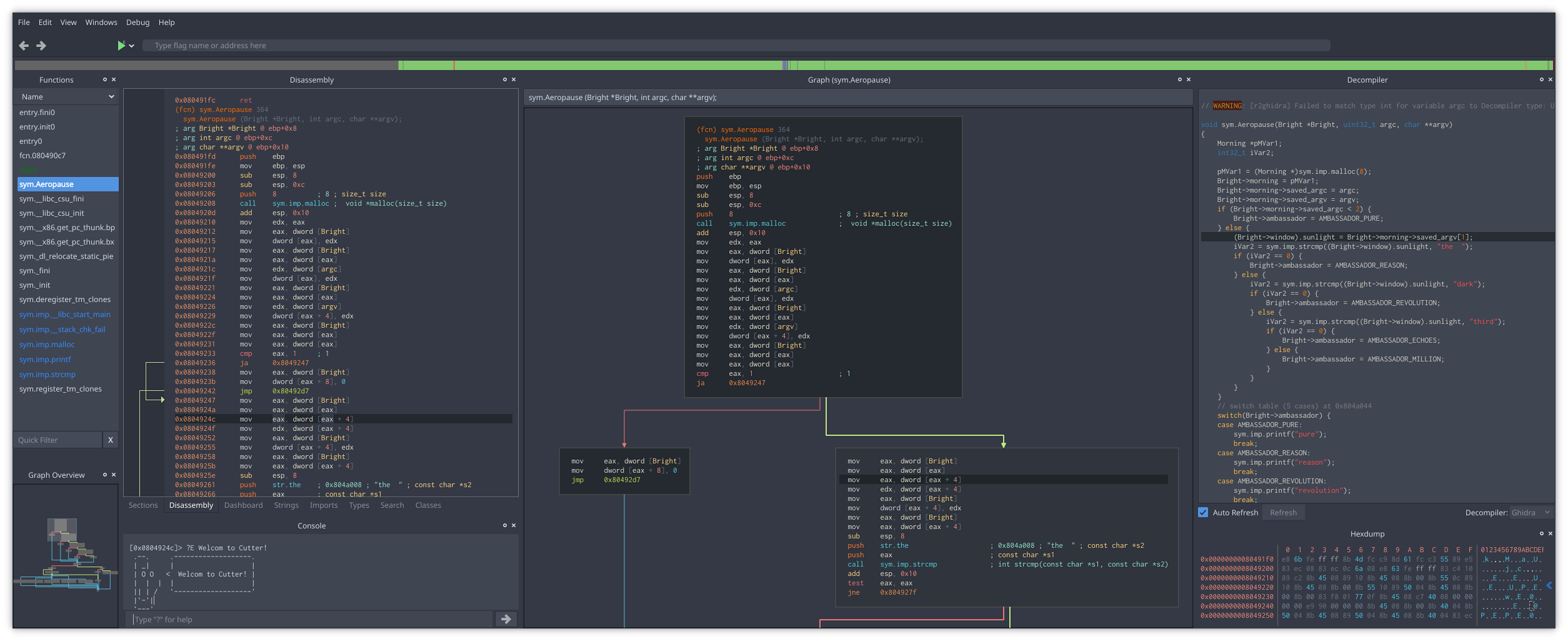
Learn more at cutter.re.
Cutter release binaries for all major platforms (Linux, macOS, Windows) can be downloaded from GitHub Releases.
-
Linux: If your distribution provides it, check for
cutterpackage in your package manager (orcutter-re/rz-cutter). If not available there, we have setup repositories in OBS for some common distributions. Look at https://software.opensuse.org/package/cutter-re and follow the instructions there. Otherwise download the.AppImagefile from our release, make it executable and run as below or use AppImageLauncher.chmod +x Cutter*.AppImage; ./Cutter*.AppImage -
macOS: Download the
.dmgfile or use Homebrew Cask:brew install --cask cutter -
Windows: Download the
.ziparchive, or use either Chocolatey or Scoop:choco install cutterscoop bucket add extrasfollowed byscoop install cutter
To build Cutter from sources, please check the Building Docs.
To deploy cutter using a pre-built Dockerfile, it's possible to use the provided configuration. The corresponding README.md file also contains instructions on how to get started using the docker image with minimal effort.
Cutter supports both Python and Native C++ plugins.
Our community has built many plugins and useful scripts for Cutter such as the native integration of Ghidra decompiler or the plugin to visualize DynamoRIO code coverage. You can find a list of cutter plugins linked below. Feel free to extend it with your own plugins and scripts for Cutter.
Please use the following channels to ask for help from Cutter developers and community:
- Telegram: https://t.me/cutter_re
- Mattermost: https://im.rizin.re
- IRC: #cutter on https://web.libera.chat/
- Twitter: @cutter_re