

An actively updated Claude prompt library for motion graphics, product videos, explainers, 3D scenes and interactive demos. Explore a growing collection of creator-shared prompts, with selected visual previews, practical setup notes and editable templates for MP4 export.
Watch previews → · Find a prompt · Use a video template · English / 简体中文
New here? Start with the 15-second Product UI template: change the copy, colors and screenshot, preview in your browser, then export with Node.js, Playwright and FFmpeg.
Community prompts include original sources and setup notes; they have not been independently reproduced by this collection. Editable templates include source code and export instructions.
Read the prompt here on GitHub, or watch the preview and check setup notes on the website.
 Motion Designer Résumé Showreel and Remotion View prompt · GitHub · Watch preview · Website ↗ · Original post ↗ |
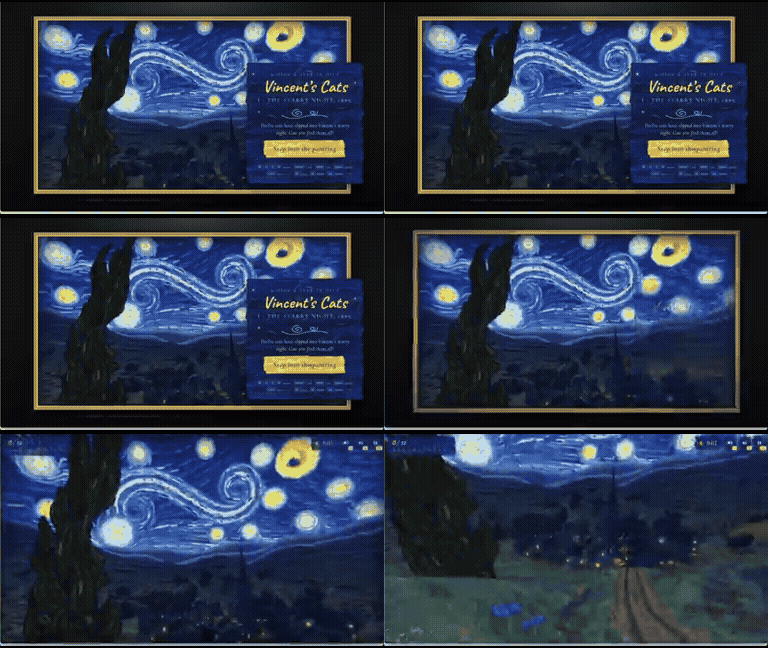 Vincent's Cats: 3D Starry Night Game View prompt · GitHub · Watch preview · Website ↗ · Original post ↗ |
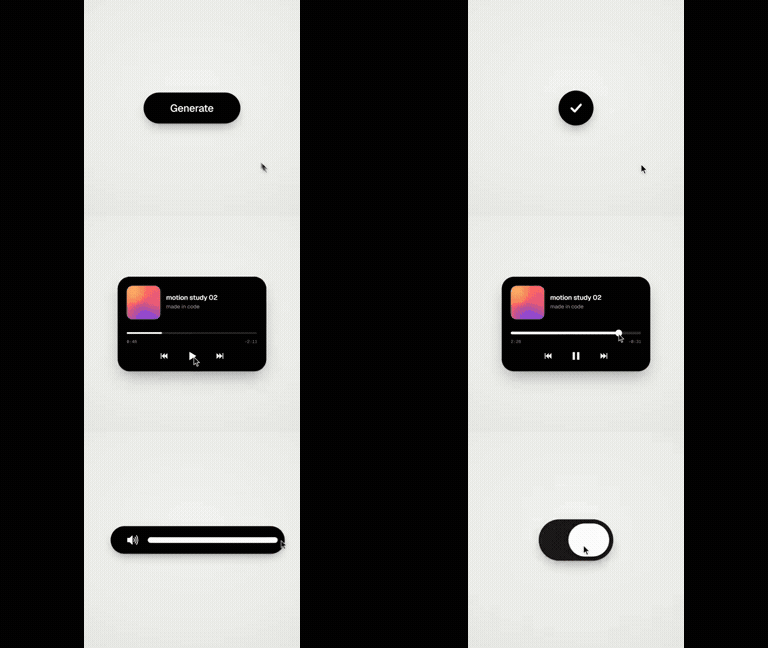 Code-Driven Looping UI Motion Graphics View prompt · GitHub · Watch preview · Website ↗ · Original post ↗ |
 Opus 5.5 and Manim Educational Video Explaining Derivatives View prompt · GitHub · Watch preview · Website ↗ · Original post ↗ |
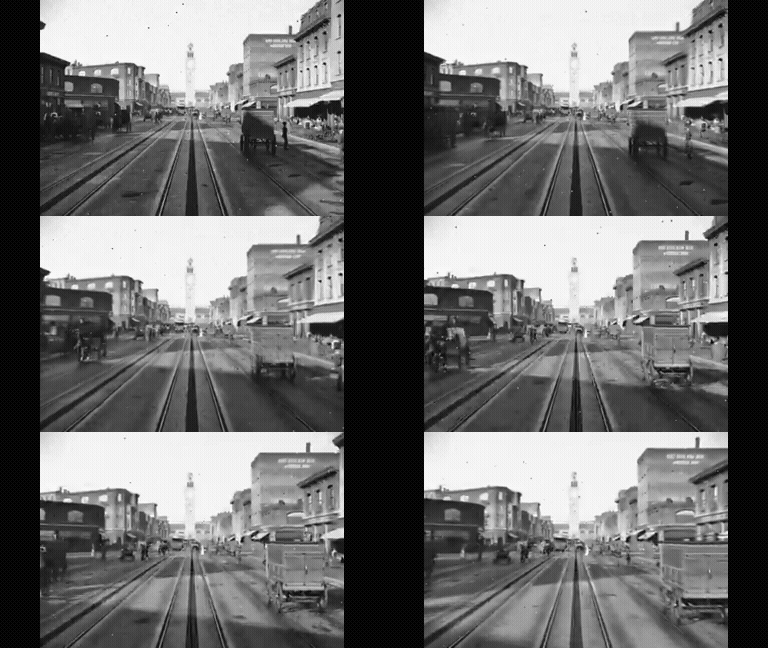 1906 San Francisco Market Street Blender Reconstruction View prompt · GitHub · Watch preview · Website ↗ · Original post ↗ |
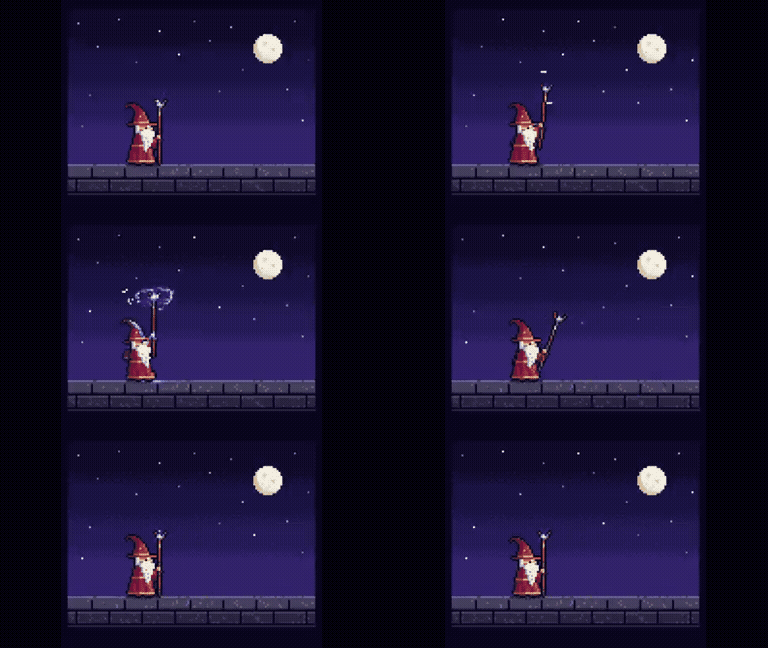 Animated Pixel Art Wizard in Canvas 2D View prompt · GitHub · Watch preview · Website ↗ · Original post ↗ |
☆ Star this repo to keep the prompts and templates handy for your next project.
Choose a use case. Open the preview, change the config, and render your own MP4.
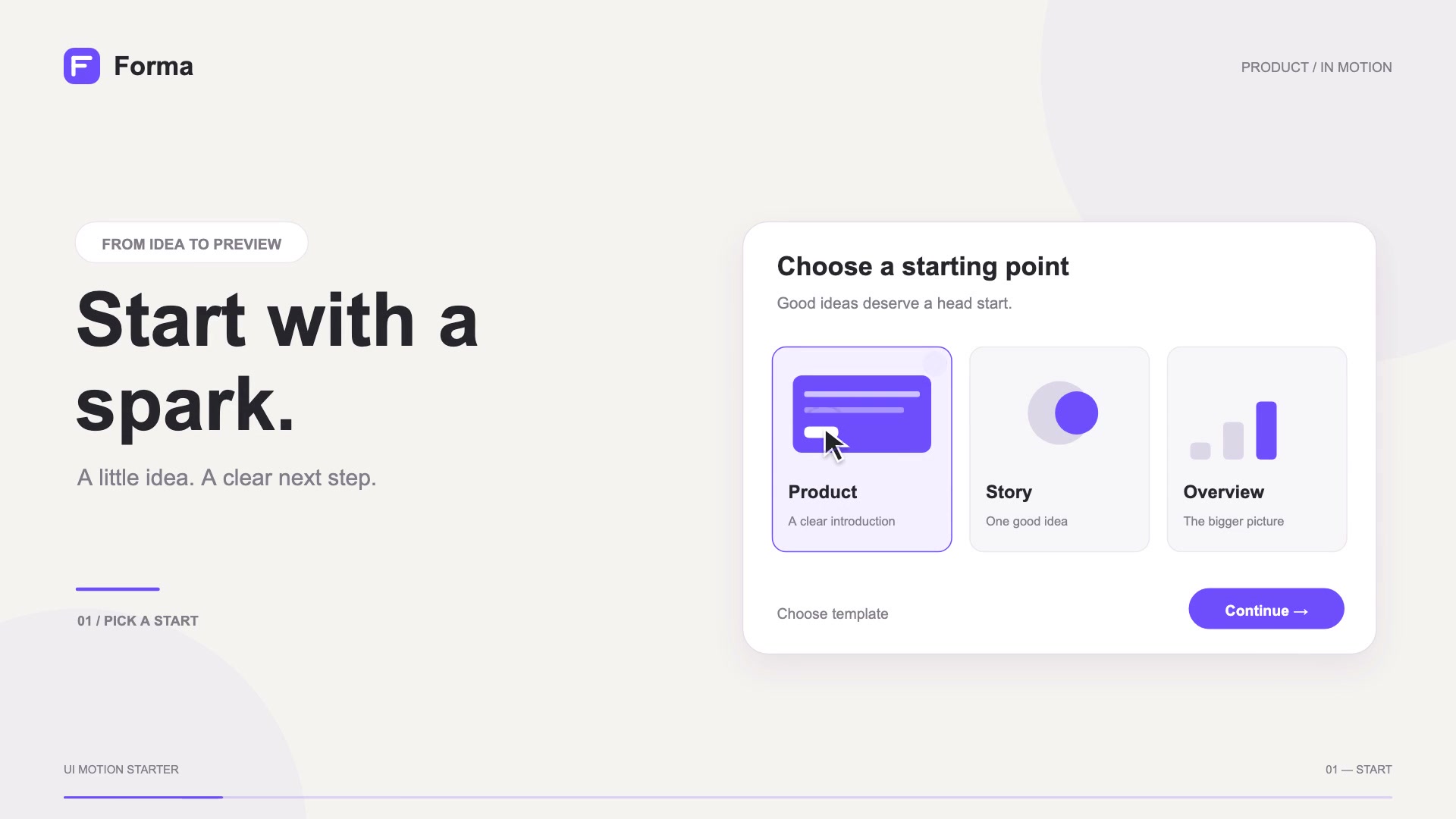 Product UI Show a complete UI workflow. Name · copy · color · screenshot ▶ Watch 15s · Get template → English guide · 中文说明 |
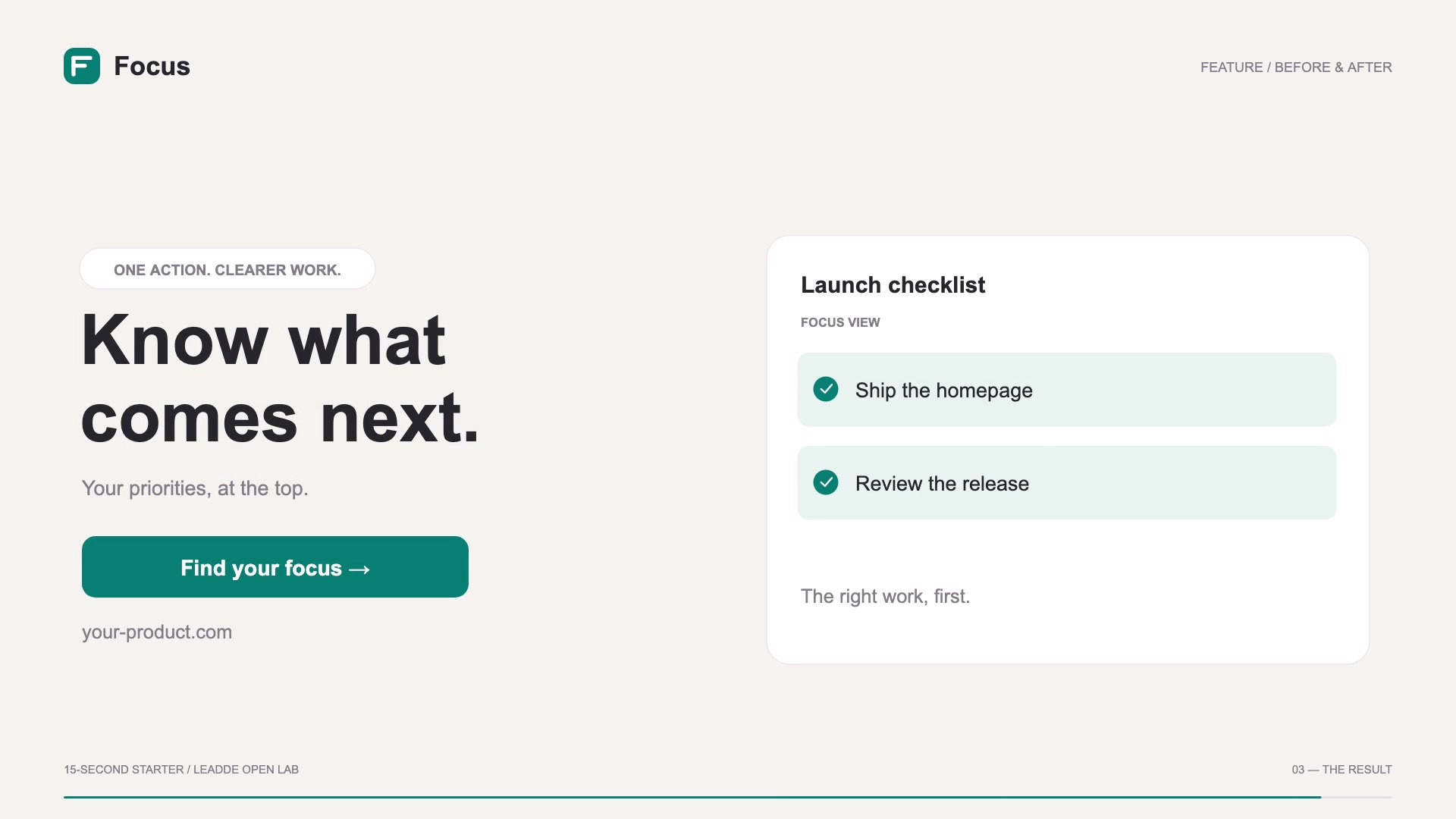 Feature Demo Turn a problem into a clear result. Tasks · result · copy · color ▶ Watch 15s · Get template → English guide · 中文说明 |
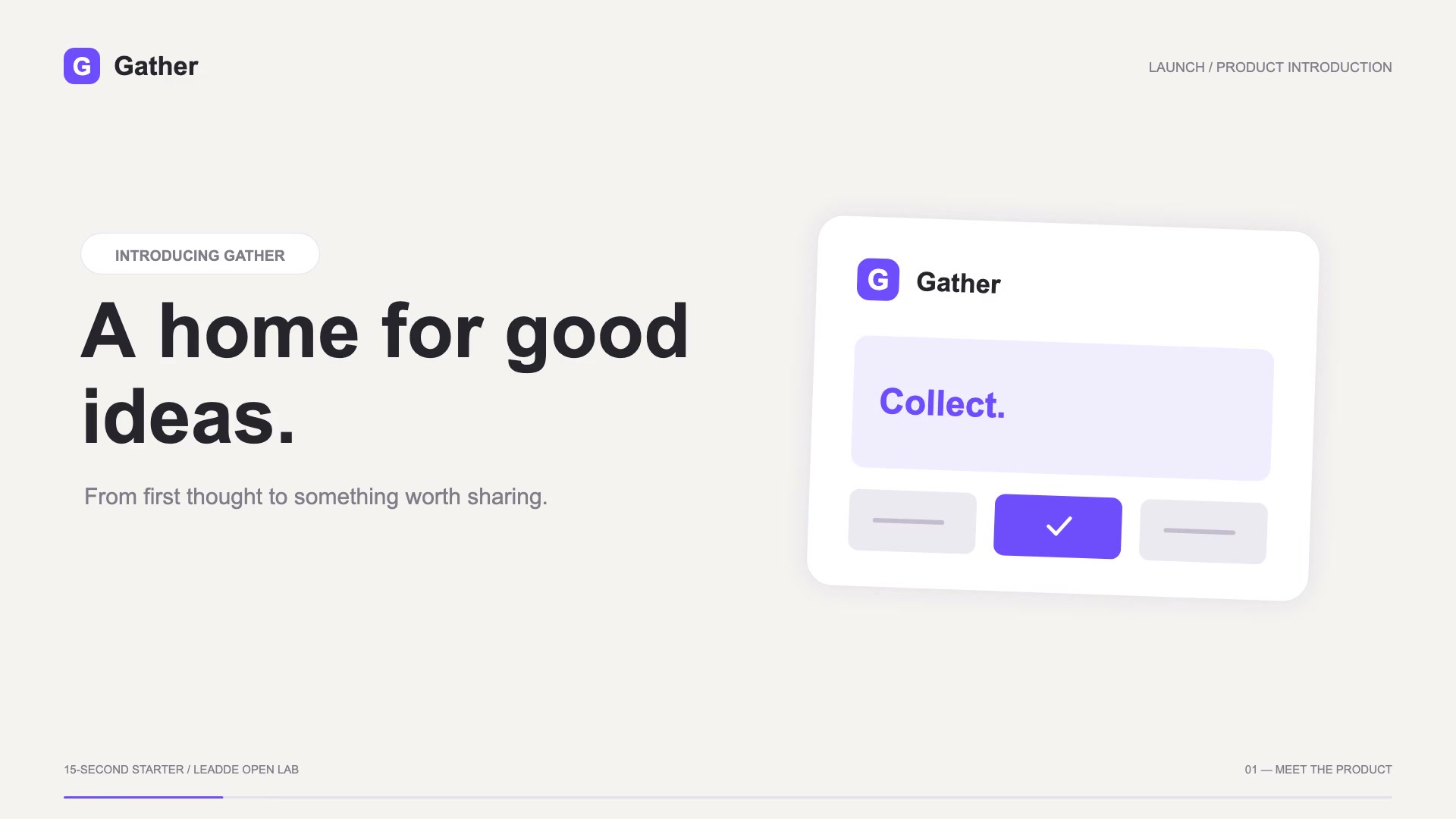 Product Launch Introduce a product and three benefits. Benefits · CTA · copy · color ▶ Watch 15s · Get template → English guide · 中文说明 |
15 seconds · 1080p · Editable config · MIT
Preview: open index.html. Export MP4: Node.js + Playwright + FFmpeg. Original code animations with fictional demo products.
Pick a result to try. Setup instructions are on each prompt page; these examples have not been reproduced by this repository.
|
Easiest start: pixel-art wizard Copy the prompt, save one HTML file, and open it in your browser. No external assets. Copy prompt & setup → 💡 Pro Tip |
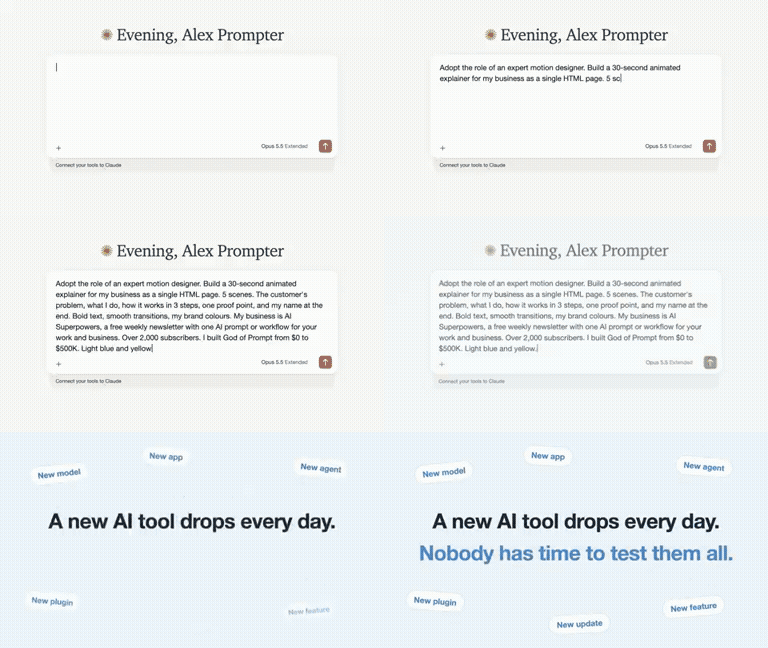 Your product: a 30-second business explainer Replace the business description and brand colors, then preview the HTML animation. Copy prompt & setup → 💡 Pro Tip |
Teach a concept: derivatives with Manim Generate a narrated lesson with Manim and edge-tts. Python setup required. Copy prompt & setup → |
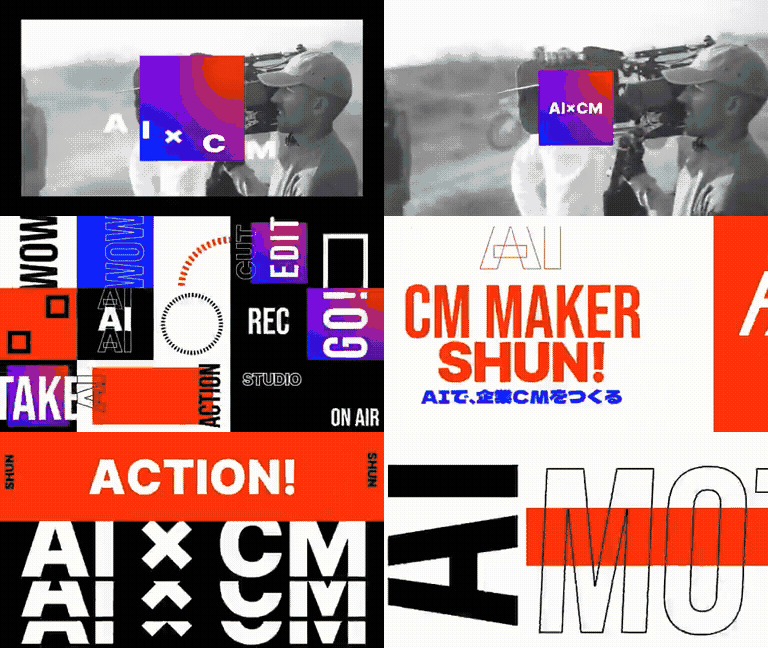 Opus 5.5 and After Effects Self-Introduction Motion Graphics Mov… 💡 Pro Tip |
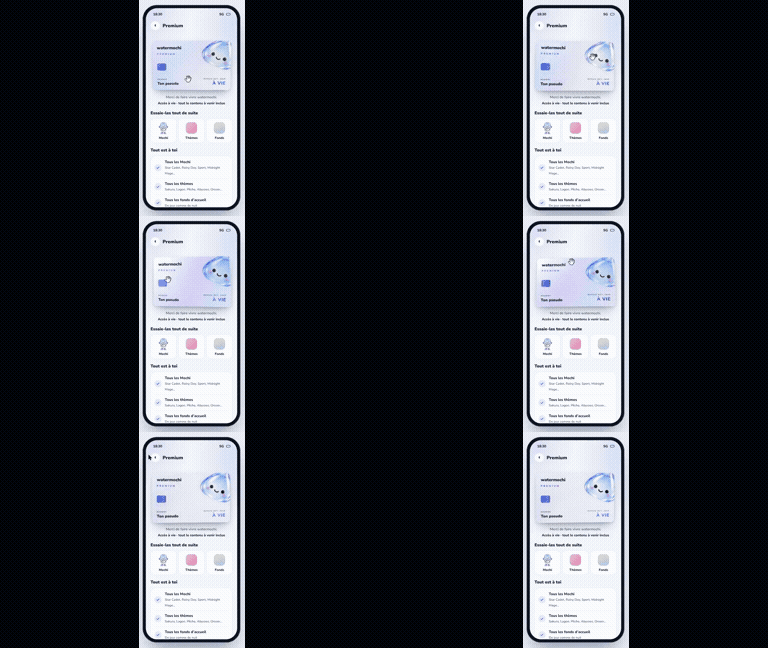 Interactive Premium Member Card UI Demo 💡 Pro Tip |
- Product & Brand Videos (86)
- Motion Graphics & Typography (242)
- UI & Web Animation (19)
- Explainers & Education (91)
- Music & Storytelling (35)
- 3D Worlds & Simulations (175)
- Games & Interactive Experiences (101)
30 homepage picks · Original creator links on every card.
 Product Promo Video Generation 💡 Pro Tip |
 Code-Driven Motion Design Video 💡 Pro Tip |
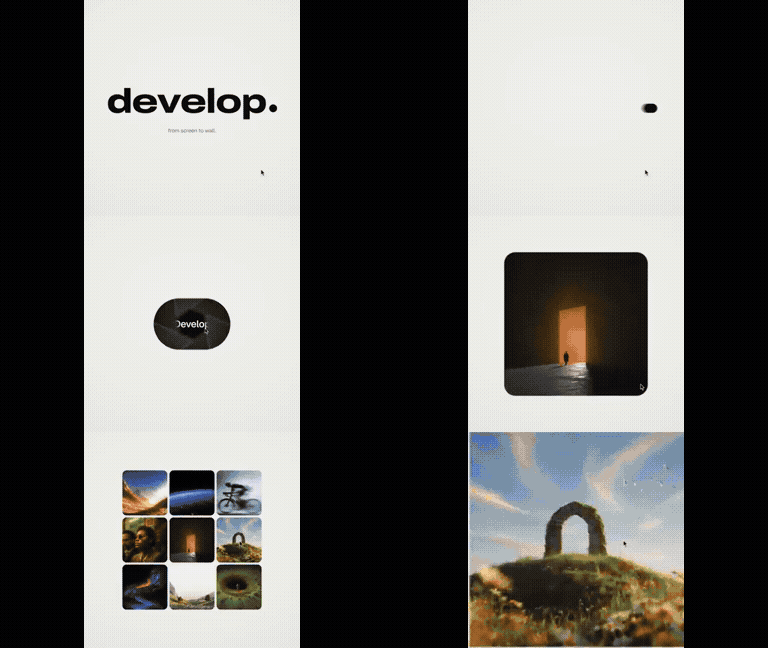 Code-Based Apple-Style Keynote Motion Design 💡 Pro Tip |
 Opus 5.5 Ad Inspired by Apple 1984 💡 Pro Tip |
 Remotion Product Intro 💡 Pro Tip |
Browse all 86 product & brand videos →
 Infinite Zoom Vintage Collage Animation 💡 Pro Tip |
 Spotify-Themed Motion Design 💡 Pro Tip |
 Four Seasons Train Window Animation 💡 Pro Tip |
Browse all 242 motion graphics & typography →
 Three.js 15s 3D Motion Graphics 💡 Pro Tip |
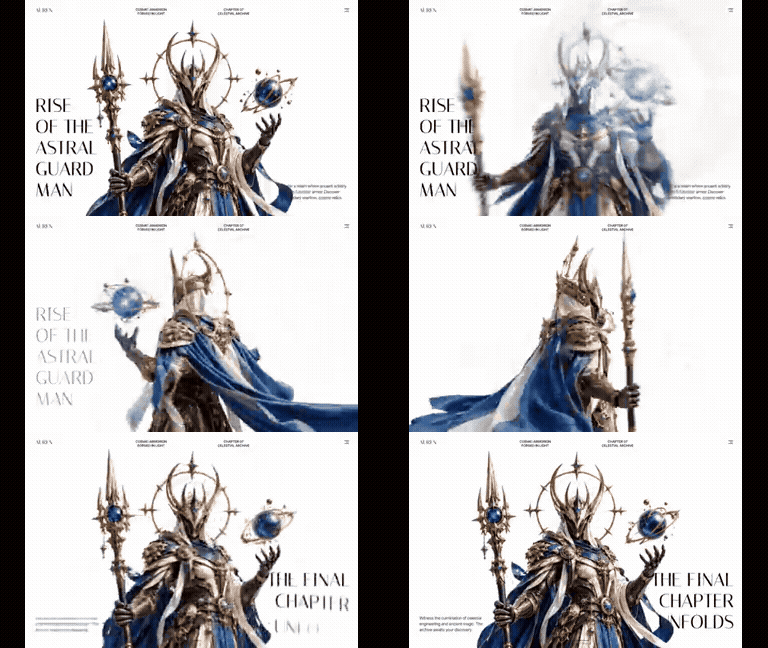 Auren Header Scroll-Scrubbed Hero Section 💡 Pro Tip |
Browse all 19 ui & web animation →
 Recursion Explanation Video 💡 Pro Tip |
 Japan Summer Weather Visualization 💡 Pro Tip |
 Photon Journey Explainer Animation 💡 Pro Tip |
 Negroni Cocktail Explainer Motion Graphic in HTML 💡 Pro Tip |
 Educational Motion-Graphics on Recursive AI Agent Limitations 💡 Pro Tip |
Browse all 91 explainers & education →
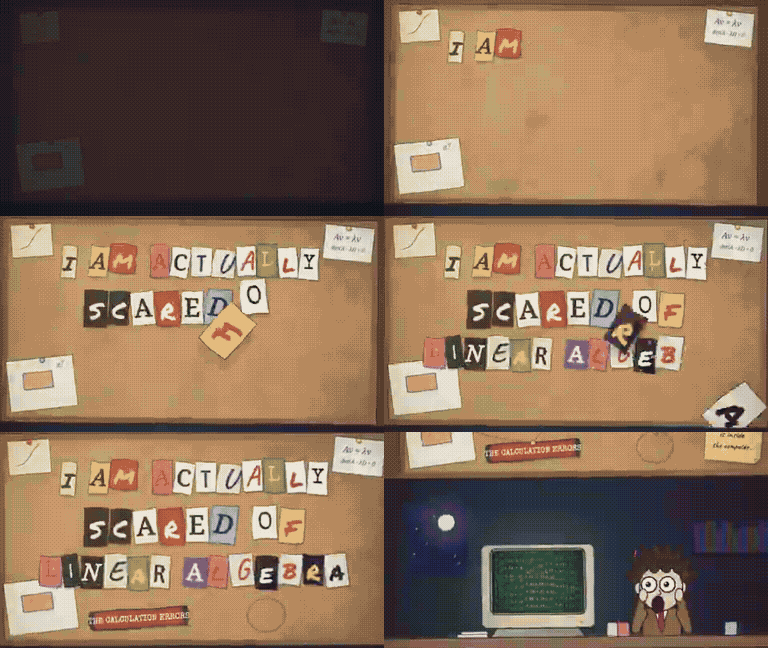 Animated Music Video Prompt for Claude Opus 💡 Pro Tip |
Browse all 35 music & storytelling →
 Cinematic Browser-Based 3D World 💡 Pro Tip |
 Pelican Riding a Bicycle Animation 💡 Pro Tip |
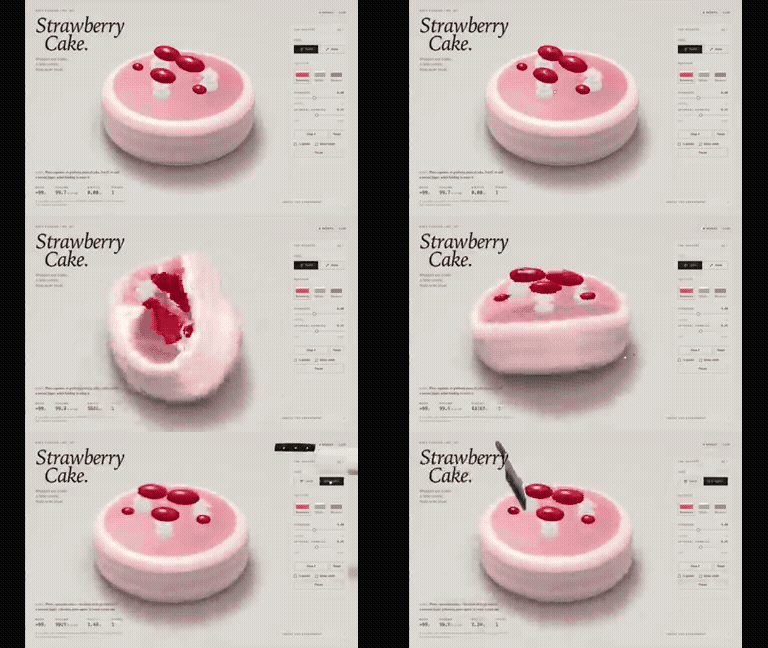 Interactive WebGPU Strawberry Cake Soft-Body Physics 💡 Pro Tip |
Browse all 175 3d worlds & simulations →
 3D Star Wars Multiplayer Game 💡 Pro Tip |
 Police Chase Arcade Game PRD 💡 Pro Tip |
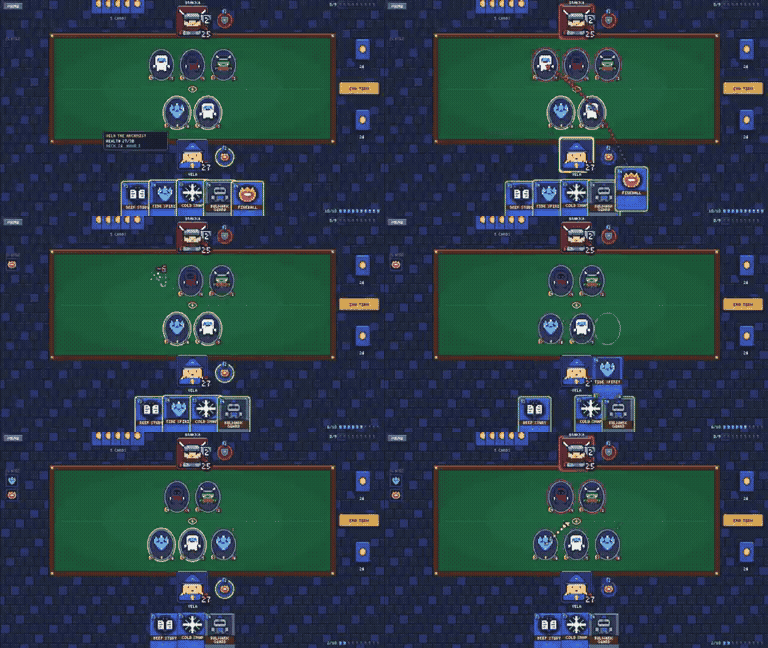 Pixel Art Hearthstone-Style Card Game 💡 Pro Tip |
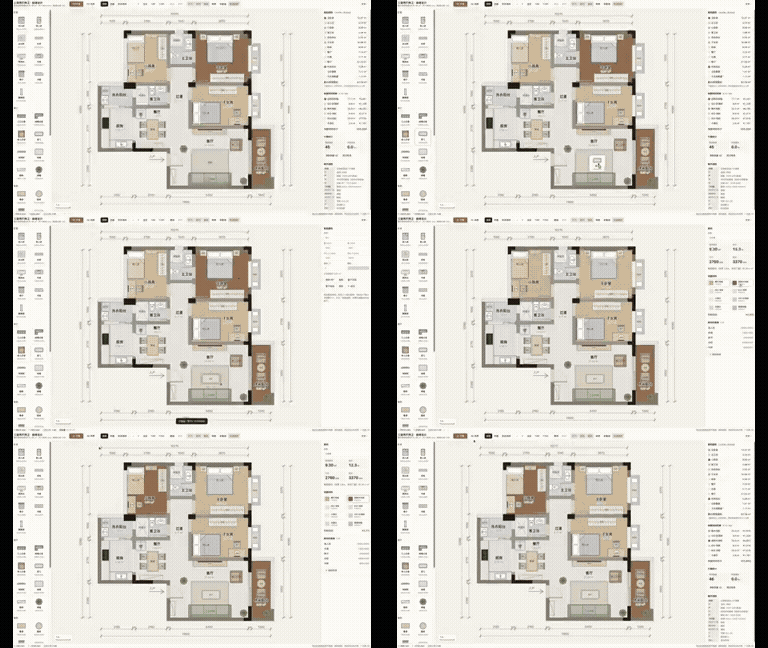 Interactive 2D/3D Floor Plan and Interior Design Web Tool 💡 Pro Tip |
 Interactive Rain Window Calming App 💡 Pro Tip |
Browse all 101 games & interactive experiences →
Browse by tool
- canvas-interactive — 101
- manim — 2
- remotion — 14
- blender — 14
- external-video-model — 13
- other-animation — 608
- Pick a result and copy its public prompt from the card or detail page.
- Supply any inputs listed by the creator, then use the prompt with your Opus agent.
- Follow the creator’s renderer/tool setup. A shared fragment may need additional instructions.
About this collection & source checks
Opus directs or writes the code for these videos, animations and interactive recordings. The detail page distinguishes prompt-required tools, author-confirmed tools and unconfirmed inferences. Author claims and media consistency checks do not establish repository reproduction. Reference cases may have unverified model version or production details; they are not counted as fully verified cases. We do not reconstruct missing author prompts.
Maintained by LeaddeOpenLab · Leadde.ai. All works and prompts belong to their linked creators. Independent collection.
