
| Latest Release |

|
| User forum |

|
| PyPI Downloads |
|
| License |

|

pip install plotly
import plotly.graph_objects as go
fig = go.Figure()
fig.add_trace(go.Bar(x=["a", "b", "c"], y=[1, 3, 2]))
fig.show()pip install plotly[express]
import plotly.express as px
fig = px.bar(x=["a", "b", "c"], y=[1, 3, 2])
fig.show()
You'll also need to install a supported dataframe library.
See the Python documentation for more examples.
plotly.py is an interactive, open-source, and browser-based graphing library for Python ✨
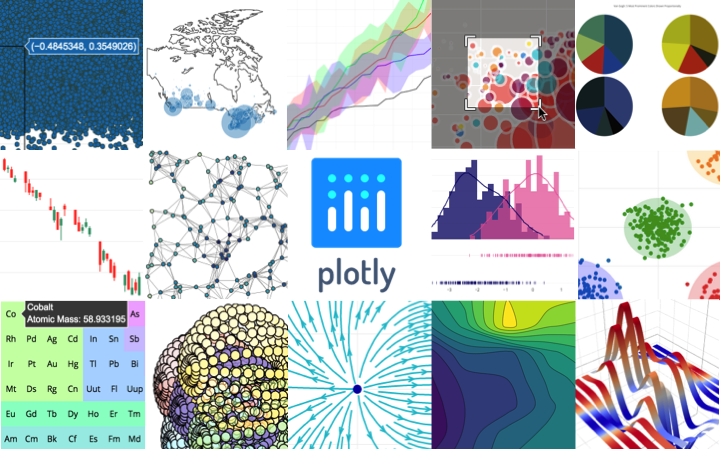
Built on top of plotly.js, plotly.py is a high-level, declarative charting library. plotly.js ships with over 30 chart types, including scientific charts, 3D graphs, statistical charts, SVG maps, financial charts, and more.
plotly.py is MIT Licensed. Plotly graphs can be viewed in Jupyter notebooks, other Python notebook software such as marimo, as standalone HTML files, or integrated into Dash applications.
Contact us for consulting, dashboard development, application integration, and feature additions.
plotly.py may be installed using pip
pip install plotly
or conda.
conda install -c conda-forge plotly
For use as a Jupyter widget, install jupyter and anywidget
packages using pip:
pip install jupyter anywidget
or conda:
conda install jupyter anywidget
plotly.py supports static image export,
using the kaleido
package (version 1.0 or greater).
Kaleido has minimal dependencies and can be installed using pip
pip install -U kaleido
or conda
conda install -c conda-forge python-kaleido
Kaleido requires Chrome or Chromium to generate images. By default, Kaleido will use the Chrome or Chromium version already installed on your system. If you don't have it installed or Kaleido can't find it, you may need to install it by running the command:
plotly_get_chrome
on your command line.
Code and documentation copyright 2026 Plotly, Inc.
Code released under the MIT license.
Docs released under the Creative Commons license.
