A search tool helps dev to solve the naming things problem.
Search over projects from Github, Bitbucket, Google Code, Codeplex, Sourceforge, Fedora Project, GitLab to find real-world usage variable names.
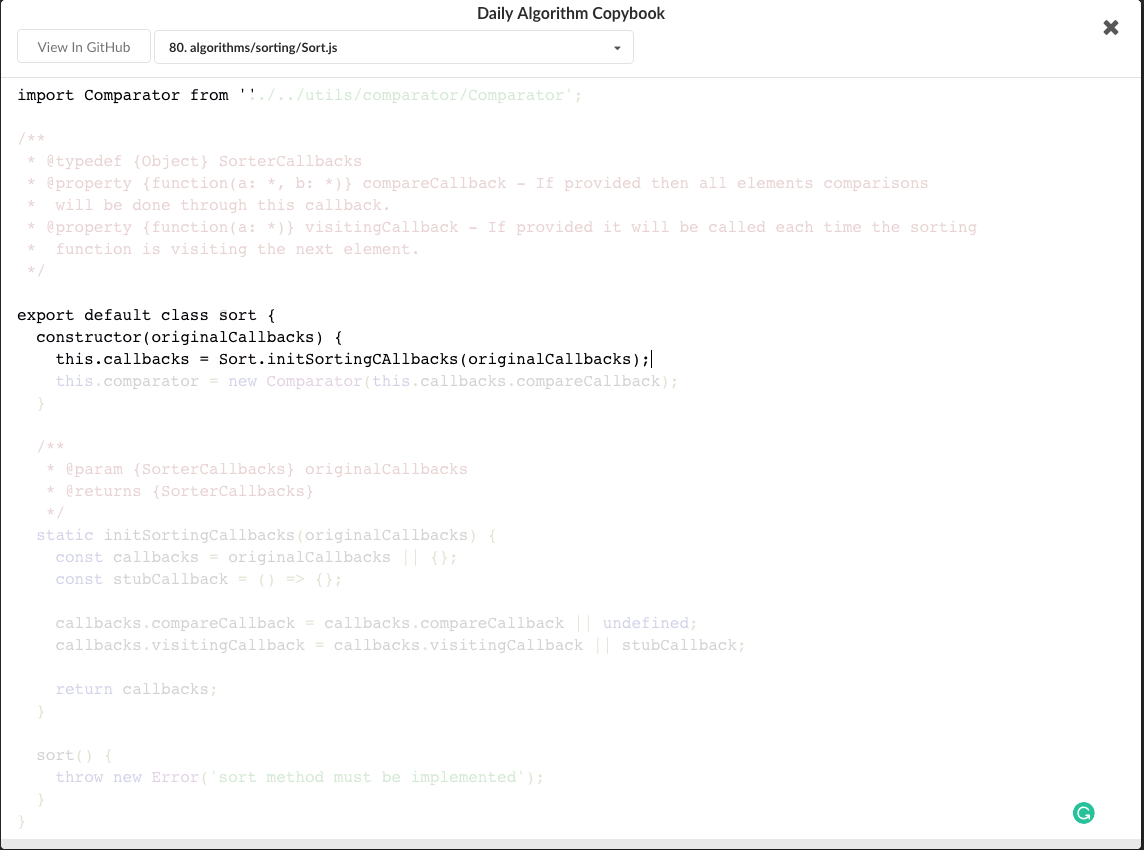
Also a daily Algorithm Copybook.
Also a GitHub stars, repositories tagger and organizer tool.
There are only two hard things in Computer Science: cache invalidation and naming things.-- Phil Karlton


Codelf is on VS Code Extension Marketplace. Just search "codelf" on VS Code EXTENSIONS pane and click install.
- Select text, right-click and select "Codelf".

Codelf is on Atom package. Search "codelf" on Atom setting pane and click install.Please see Atom Packages in the Atom Flight Manual
- Select text, right-click and click "Codelf".
- Open Packages menu select "Codelf"
- Press CTRL+ALT+E to open Codelf

Also see How to use Codelf on Atom
- Download Codelf for Sublime or Select a "st-" version to download
- Unzip and rename the folder to
Codelf - Copy the folder into
Packagesdirectory, which you can find using the menu itemSublime Text -> Preferences -> Browse Packages... - Restart Sublime Text
- Select text, right-click and click "Codelf".
 2. Open Command Palette using menu item Tools -> Command Palette... --> Type "E" or "Codelf" -->Select "Search Selection" or "Search From Input"